
Dismiss message
Security Help!
If you have an IT security issue, please reach out through the IT Service Desk, or for less urgent issues, please email security@etal.uri.edu or call (401) 874-4357.
ALERT: More information regarding URI’s new Two Factor Authentication requirement for SSO accounts can be found here
Key Services



VPN
Security / Secure Computing
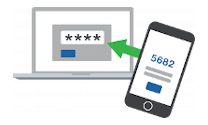
The Virtual Private Network (VPN) service provides an encrypted connection for your computer to connect to resources on the secured campus network. VPN is required for sensitive data traveling across public or other networks.
Go to service